How to Set Up Google Business Profile for Local Small Business
Setting up a Google Business Profile is crucial for local small businesses to enhance visibility in search results. This guide provides step-by-step instructions, best practices, and common pitfalls to avoid.
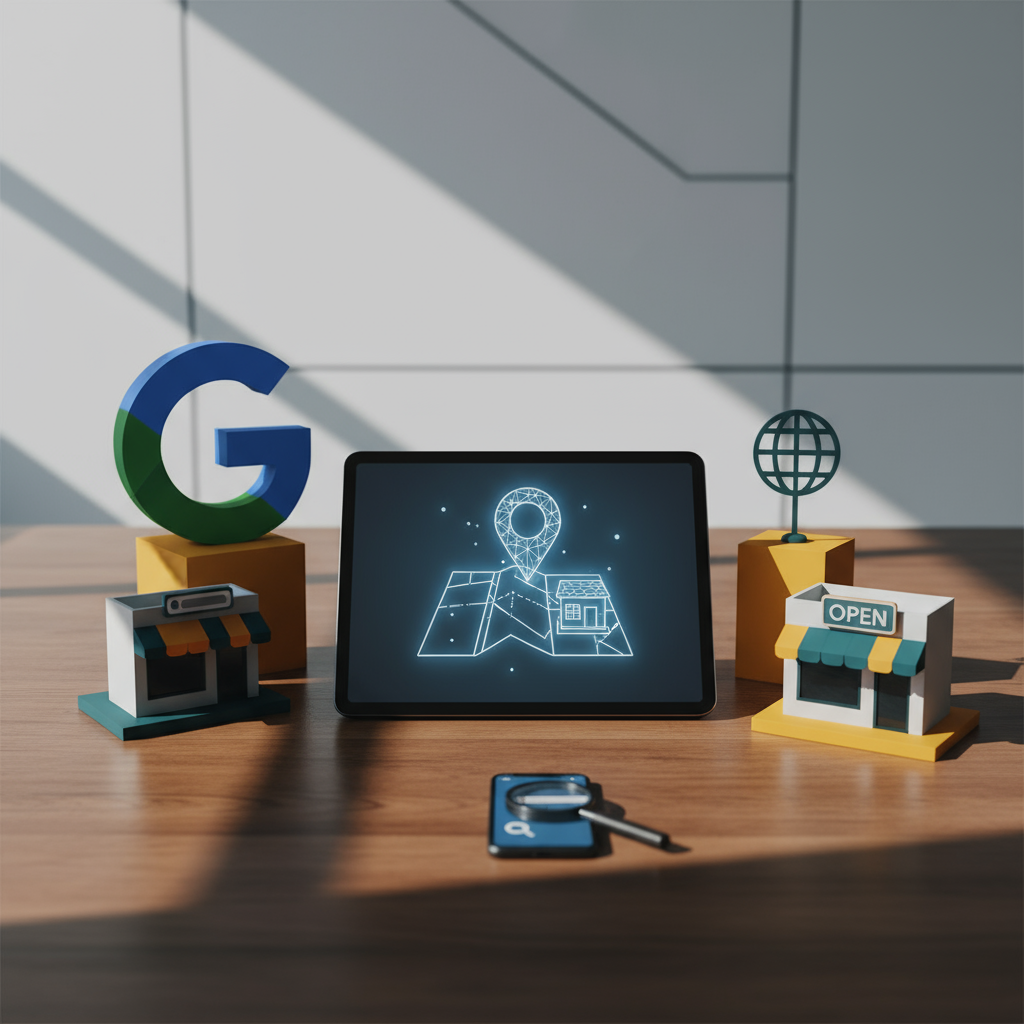
#Google Business Profile#Local SEO#Small Business#Digital Marketing
Key Takeaways
- 🏢Google Business Profile is essential for local visibility.
- ⏱️A complete profile can increase consumer trust by 2.7 times.
- 👥Optimizing your GBP can lead to more customer visits and inquiries.
- ✅Regular updates and engagement improve your profile's effectiveness.
Introduction

In today's digital landscape, having a strong online presence is vital for local small businesses. One of the most effective ways to enhance your visibility is by setting up a Google Business Profile (GBP). This free tool allows you to manage how your business appears on Google Search and Maps, making it easier for potential customers to find you.
By the end of this guide, you will know how to set up your Google Business Profile effectively, optimize it for local searches, and avoid common mistakes that could hinder your business's online visibility.
Key Takeaways
- Google Business Profile is essential for local visibility.
- A complete profile can increase consumer trust by 2.7 times.
- Optimizing your GBP can lead to more customer visits and inquiries.
- Regular updates and engagement improve your profile's effectiveness.
Why Your Local Small Business Needs a Google Business Profile
A Google Business Profile is not just a listing; it’s a powerful marketing tool that can significantly impact your business's success. With 70% of consumers visiting stores within 24 hours of a local search, having a well-optimized GBP can drive foot traffic and increase sales. Additionally, businesses with complete profiles are viewed as more reputable, which can enhance customer trust and loyalty.
What is Google Business Profile and How It Works
Google Business Profile is a free tool that allows businesses to manage their online presence across Google, including Search and Maps. When potential customers search for your business or related services, your GBP can display essential information such as your business name, address, phone number, website, hours of operation, and customer reviews. This visibility helps attract more customers and improves your local SEO.
Key Benefits of Google Business Profile for Small Businesses
- Increased Visibility: A well-optimized GBP appears in local search results, making it easier for customers to find you.
- Enhanced Customer Engagement: Customers can contact you directly, ask questions, and leave reviews, fostering better relationships.
- Improved Local SEO: GBP helps boost your ranking in local search results, driving more traffic to your website.
- Insights and Analytics: You can track how customers find your business and how they interact with your profile, allowing for data-driven decisions.
Expert Tip
To maximize the effectiveness of your Google Business Profile, ensure that your Name, Address, and Phone number (NAP) are accurate and consistent across all online platforms. This consistency helps improve your local SEO and makes it easier for customers to reach you. Additionally, regularly post updates and respond to reviews to engage with your audience actively.
How To Set Up Your Google Business Profile Step by Step
- Claim Your Business: Go to the Google Business Profile page and click on “Manage now.” Sign in with your Google account and search for your business.
- Enter Business Information: Fill out your business name, address, and category. Ensure that your NAP is accurate.
- Verify Your Business: Choose a verification method (postcard, phone, or email). Google will send a verification code to confirm your business location.
- Complete Your Profile: Add additional details such as business hours, website, and services offered. Include high-quality photos to attract customers.
- Optimize for Local SEO: Use relevant keywords in your business description and posts to improve your visibility in local searches.
- Engage with Customers: Respond to reviews, answer questions, and post updates regularly to keep your profile active.
Google Business Profile vs. Other Local Listing Platforms: A Comparison
| Feature | Google Business Profile | Yelp | Facebook Business Page |
|---|---|---|---|
| Free to use | ✅ | ✅ | ✅ |
| Google Search Integration | ✅ | ❌ | ❌ |
| Customer Reviews | ✅ | ✅ | ✅ |
| Insights and Analytics | ✅ | ❌ | ✅ |
| Post Updates | ✅ | ✅ | ✅ |
As shown in the comparison table, Google Business Profile outperforms other platforms like Yelp in terms of integration with Google Search, making it a superior choice for local businesses.
Common Mistakes to Avoid When Setting Up Google Business Profile
- Incomplete Profiles: Failing to fill out all sections can limit your visibility.
- Ignoring Reviews: Not responding to customer reviews can harm your reputation.
- Not Updating Hours: Ensure your business hours are current, especially during holidays.
- Inconsistent NAP: Discrepancies in your business information across platforms can confuse customers and hurt your SEO.
Pros and Cons
| Pros | Cons |
|---|---|
| ✅ Increases visibility in local searches | ❌ Requires regular updates to stay relevant |
| ✅ Free to use and easy to set up | ❌ Verification process can be time-consuming |
| ✅ Enhances customer engagement through reviews | ❌ Limited control over reviews and ratings |
| ✅ Provides valuable insights and analytics | ❌ May require SEO knowledge for optimization |
FAQs About Setting Up Google Business Profile for Small Businesses
Q1: How long does it take to set up a Google Business Profile?
A1: Setting up a GBP can take as little as 30 minutes, but verification may take a few days.
Q2: Can I manage multiple locations with one account?
A2: Yes, you can manage multiple locations under one Google account by creating separate profiles for each location.
Q3: What should I do if my business information changes?
A3: Update your GBP immediately to ensure customers have the correct information.
Q4: How can I improve my profile's ranking?
A4: Regularly update your profile, respond to reviews, and use relevant keywords in your business description.
Q5: Is it necessary to have a website to set up a Google Business Profile?
A5: No, but having a website can enhance your profile and provide more information to potential customers. Consider using \1 to improve your online presence.
Implementation Checklist
- Claim your business on Google Business Profile.
- Enter accurate NAP details.
- Verify your business through the chosen method.
- Complete all sections of your profile.
- Add high-quality images of your business.
- Optimize your profile with relevant keywords.
- Post updates regularly to engage customers.
- Respond to customer reviews promptly.
Sources & Further Reading
- How to Set Up and Verify a Google Business Profile
- Benefits of Google Business Profile for Local Businesses
- Google Business Profile vs. Yelp: Comparison
- Optimizing Your Google Business Profile for Local SEO
- Case Studies: GBP Success Stories
Written by AskSMB Editorial – SMB Operations