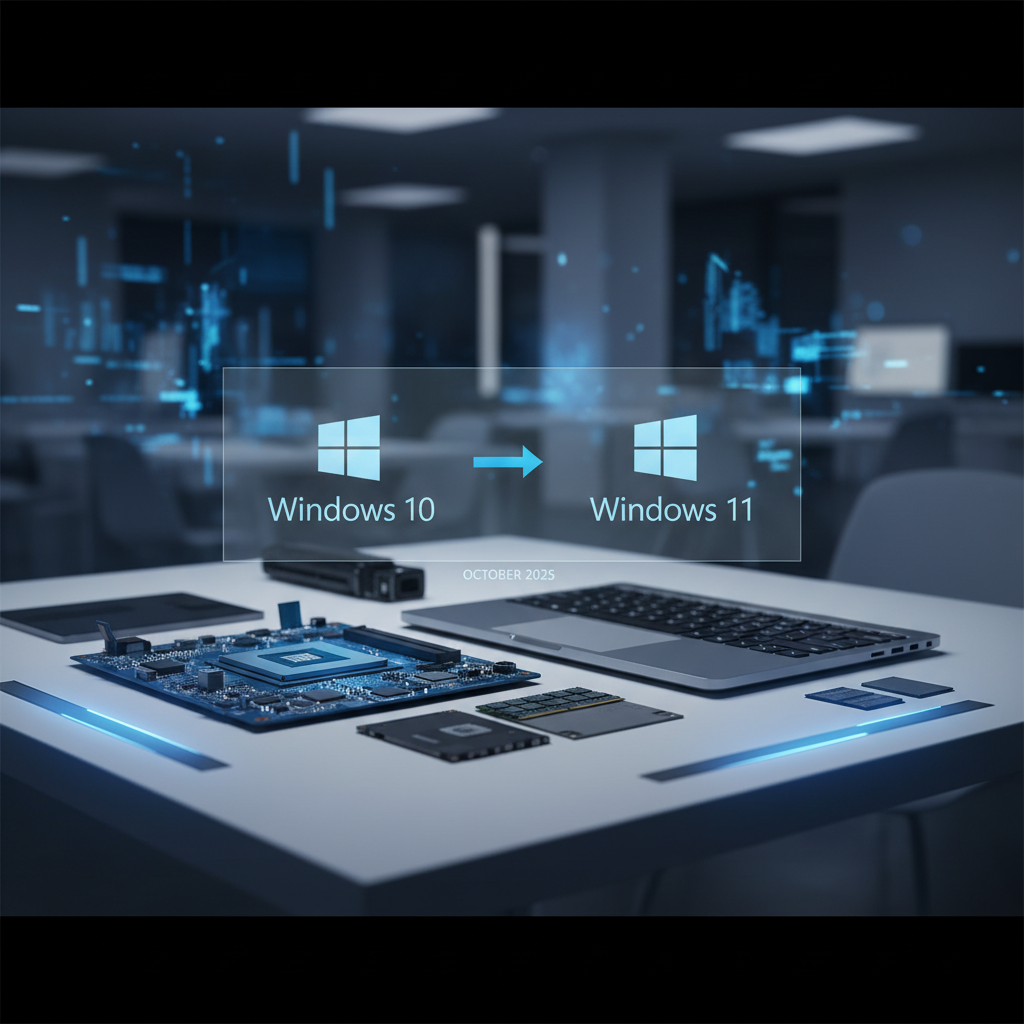
How to Upgrade from Windows 10 to Windows 11 for Small Businesses by October 2025
As Windows 10 approaches its end of support, small businesses must upgrade to Windows 11 to avoid security risks. This guide outlines the benefits, requirements, and a step-by-step upgrade process tailored for SMBs.
#Windows 11#Small Business#Upgrade Guide#Cybersecurity#Productivity
Key Takeaways
- 📌Windows 10 vs Windows 11: Key Differences for Small Business Operations
- 📌System Requirements and Eligibility Check for Windows 11 Upgrade
- 📌Benefits of Windows 11 for Small Businesses: Security, Productivity, and More
- 📌How To Upgrade from Windows 10 to Windows 11: Step-by-Step Guide for SMBs
- 📌Potential Challenges and Solutions During Windows 11 Migration
How to Upgrade from Windows 10 to Windows 11 for Small Businesses by October 2025

As we approach the end of support for Windows 10 on October 14, 2025, small businesses must prioritize upgrading to Windows 11. This transition is not just about keeping up with technology; it’s about securing your business against potential threats and enhancing operational efficiency. Windows 11 offers significant improvements in security, productivity, and user experience that can directly benefit small business operations.
By the end of this article, you will have a clear understanding of how to upgrade effectively and the advantages that Windows 11 can bring to your organization.
Windows 10 vs Windows 11: Key Differences for Small Business Operations
Understanding the differences between Windows 10 and Windows 11 is crucial for small businesses. Here are some key distinctions that can impact your operations:
| Feature | Windows 10 | Windows 11 |
|---|---|---|
| Security | Basic security features | Enhanced security with TPM 2.0 |
| Multitasking | Snap Assist | Snap Layouts for improved workflow |
| Microsoft 365 Integration | Basic integration | Deep integration with Microsoft 365 |
| User Interface | Traditional layout | Modern, streamlined design |
| Virtual Desktops | Limited functionality | Enhanced virtual desktop capabilities |
These enhancements can lead to improved productivity and security for small businesses, making the upgrade worthwhile.
System Requirements and Eligibility Check for Windows 11 Upgrade
Before upgrading, it’s essential to ensure that your devices meet the system requirements for Windows 11. Here’s what you need:
- Processor: 1 GHz or faster with at least 2 cores on a compatible 64-bit processor.
- RAM: 4 GB or more.
- Storage: 64 GB or larger storage device.
- TPM: Trusted Platform Module (TPM) version 2.0.
- Secure Boot: UEFI firmware with Secure Boot capability.
To check if your devices are eligible, use the PC Health Check tool provided by Microsoft. This tool will help you identify whether your current hardware can support Windows 11.
Benefits of Windows 11 for Small Businesses: Security, Productivity, and More
Upgrading to Windows 11 offers several benefits that can significantly impact small business operations:
- Stronger Cybersecurity: Windows 11 includes advanced security features that protect against ransomware and other cyber threats. According to Forbes, small businesses that upgraded reported a 30% reduction in cyber incidents.
- Enhanced Productivity: The new Snap Layouts feature allows for better multitasking, leading to a 25% improvement in efficiency for small teams, as noted by Microsoft.
- AI-Powered Tools: Windows 11 integrates AI tools like Copilot, which can streamline workflows and enhance productivity.
- Hybrid Work Support: Improved integration with Microsoft Teams and other collaboration tools supports remote and hybrid work environments, essential for modern SMBs.
How To Upgrade from Windows 10 to Windows 11: Step-by-Step Guide for SMBs
Follow these steps to upgrade your systems from Windows 10 to Windows 11:
Backup Your Data: Ensure all important files and applications are backed up to avoid data loss during the upgrade.
Check Compatibility: Use the PC Health Check tool to verify that your devices meet the Windows 11 requirements.
Download Windows 11: If eligible, download Windows 11 from the official Microsoft website.
Install Windows 11: Go to Settings > Update & Security > Windows Update, and check for updates. Follow the prompts to install Windows 11.
Complete Setup: After installation, follow the on-screen instructions to set up your new operating system.
Restore Data: If necessary, restore any backed-up data and applications.
Train Employees: Provide training for staff on new features and functionalities to maximize productivity.
By following these steps, small businesses can ensure a smooth transition to Windows 11.
Potential Challenges and Solutions During Windows 11 Migration
While upgrading to Windows 11 offers many benefits, small businesses may face challenges during the migration process. Here are some common issues and potential solutions:
- Hardware Incompatibility: Up to 40% of devices may not meet the requirements for Windows 11. Solution: Consider hardware upgrades or replacements for non-compliant devices.
- Data Migration Issues: Transferring data can sometimes lead to loss or corruption. Solution: Use reliable backup solutions and data migration tools to ensure data integrity.
- Training Needs: Employees may require training to adapt to the new interface and features. Solution: Invest in training sessions or materials to ease the transition.
Costs and Budgeting for Windows 11 Upgrade in Small Businesses
The cost of upgrading to Windows 11 can vary based on your current setup:
- Free Upgrade: If your devices are eligible, the upgrade to Windows 11 is free.
- Hardware Upgrades: For ineligible PCs, the average cost to meet Windows 11 requirements can range from $200 to $1000 per device, according to TechRepublic.
- Budgeting: Consider Microsoft licensing options that can provide cost-effective solutions for small businesses. Proper budgeting is crucial to accommodate potential hardware upgrades and training costs.
FAQs: Upgrading to Windows 11 for Small Businesses
Q1: Is the upgrade to Windows 11 free for small businesses?
Yes, the upgrade is free if your current device meets the eligibility requirements.
Q2: What happens if I don’t upgrade by October 2025?
You will no longer receive security updates, leaving your systems vulnerable to threats.
Q3: How can I check if my device is compatible with Windows 11?
Use the PC Health Check tool from Microsoft to assess your device's compatibility.
Q4: Will upgrading to Windows 11 affect my existing applications?
Most applications should work, but some older software may face compatibility issues. It’s advisable to check with software vendors.
Q5: What should I do if my device is not eligible for the upgrade?
Consider upgrading your hardware or exploring extended support options for Windows 10.
Q6: How can I ensure data safety during the upgrade?
Always back up your data before starting the upgrade process to prevent any loss.
For more insights on managing your business technology, check out our article on How to Use AI Tools to Improve Small Business Productivity.